
Design the card once.Dekkr makes the deck.
A full layer editor built for card games. Link your design to a table of cards, and every card draws itself, ready for the print shop, your home printer or Tabletop Simulator.
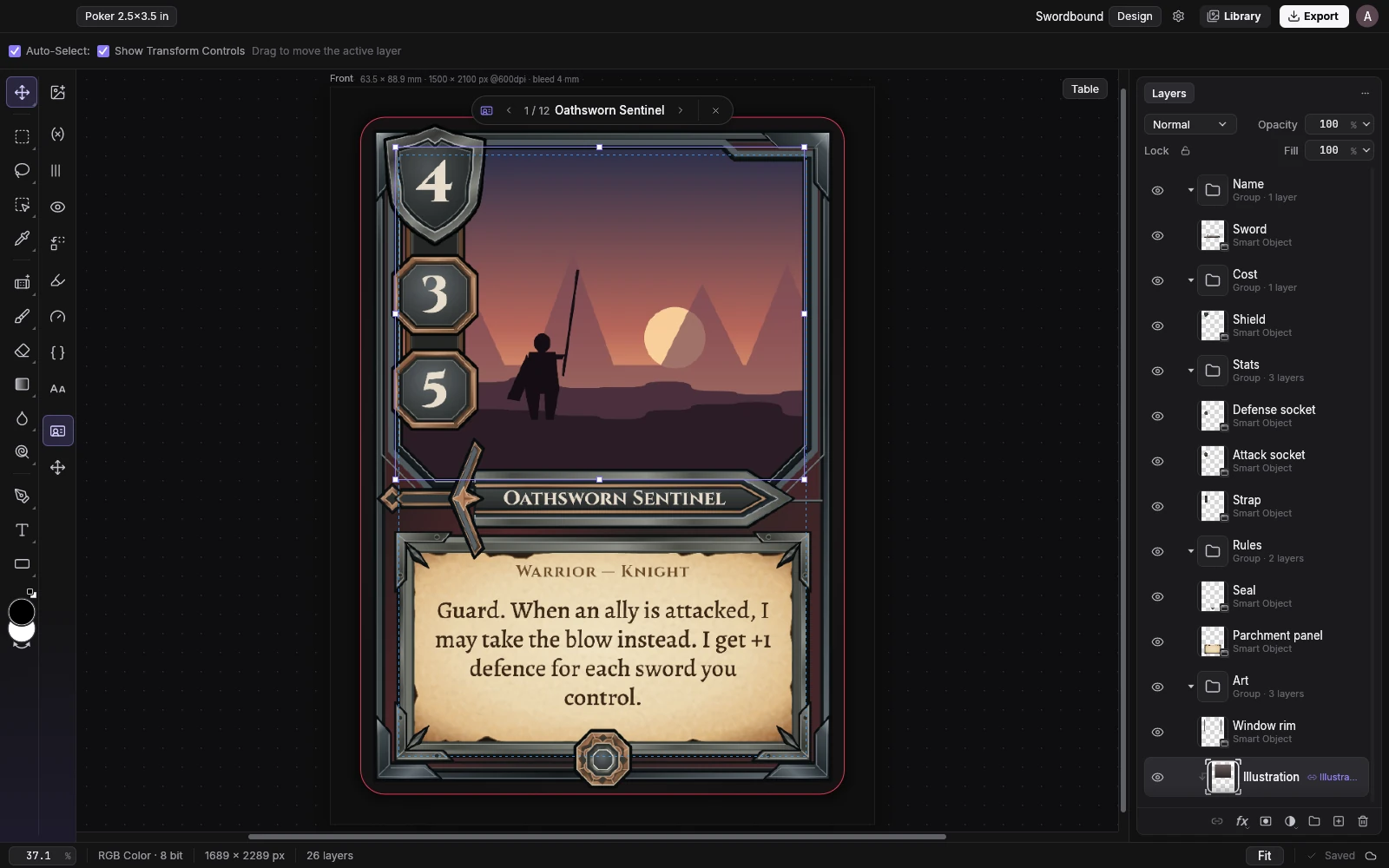
A real image editor, with tools made for cards.
Layers, masks, brushes, selections, the pen and type, as you know them from photo editors. Next to them, card tools that read your table: they show, hide, repeat and recolour parts of the design for each card. Pick one to see it work.
 dawn.png
Place Image
Put a picture on the cardDrop in art, a frame or an icon as its own layer. Link it to the table's Illustration field and every card shows its own picture in the same spot.
One row is one card.
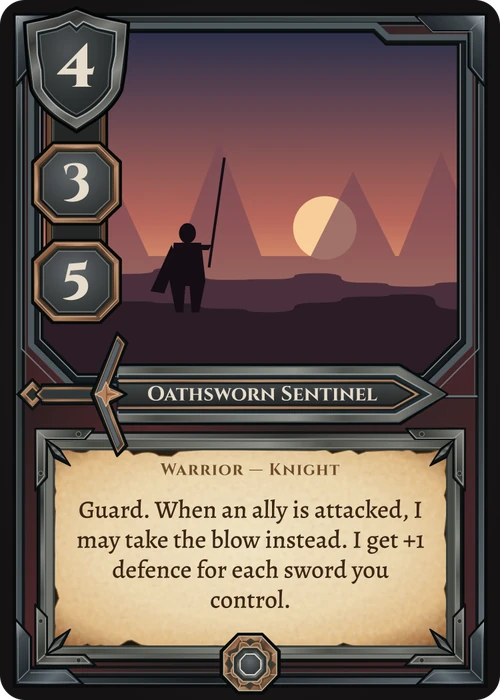
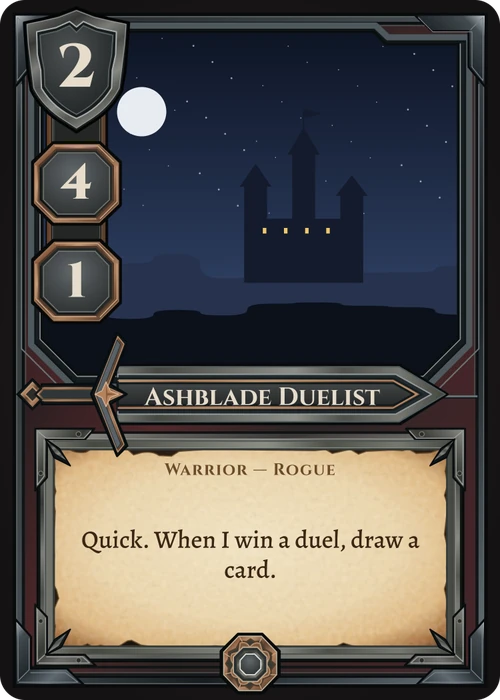
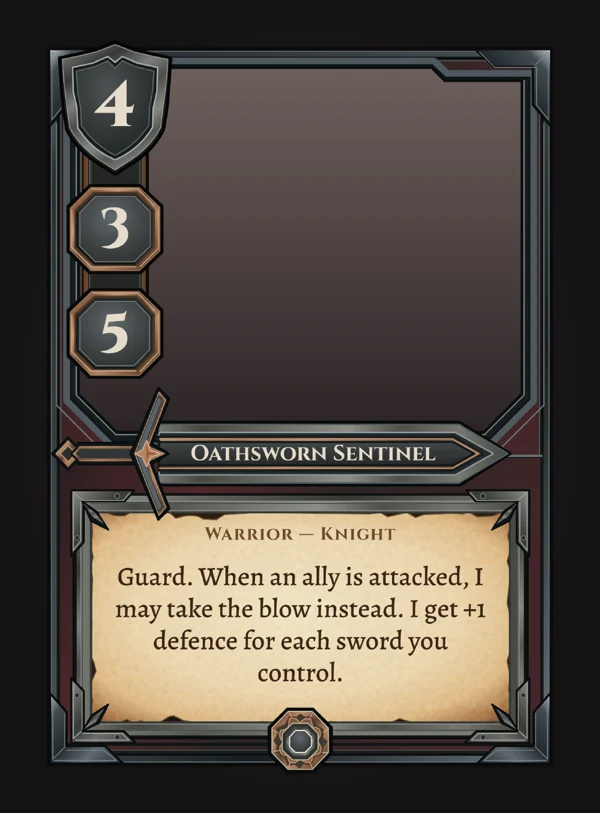
Every card's name, cost, stats, text and picture live in a table. Link a layer to a field once and every card fills it in. Change a cell and its card redraws.
| Name | Cost | Attack | Defense | Text | |
|---|---|---|---|---|---|
| 1 | Oathsworn | 4 | 3 | 5 | Guard. I may take the blow instead. |
| 2 | Ashblade | 2 | 4 | 1 | Quick. When I win a duel, draw a card. |
| 3 | Silent Halberd | 3 | 3 | 3 | Reach. |
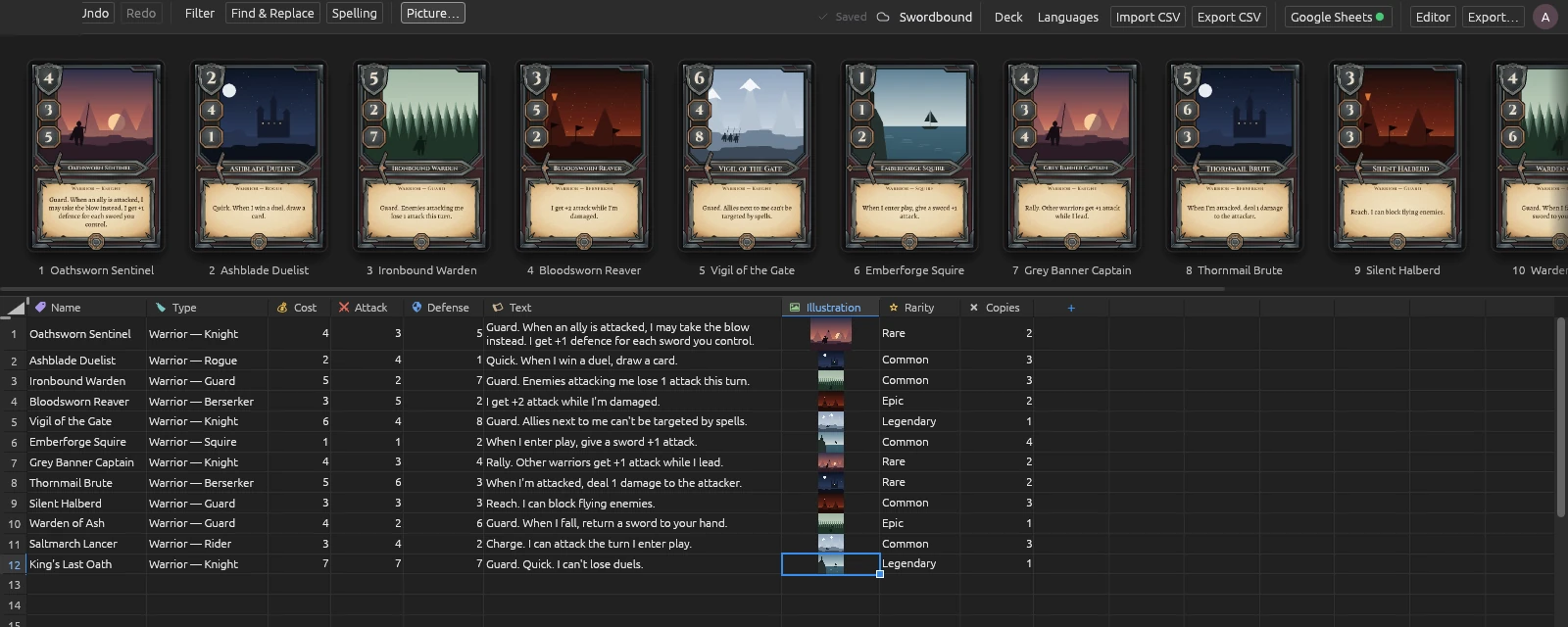
Text, Number, Choice from a list, Image, and Copies for how many to print. Headers get icons on their own.
Filter and sort, Find & Replace (⌘F), spelling (F7), insert, duplicate and version cards.
How many cards and printed copies, what is unfinished, and the lowest, highest and average of every number.
A strip of every finished card over the table, and a viewer that shows them large or all at once.
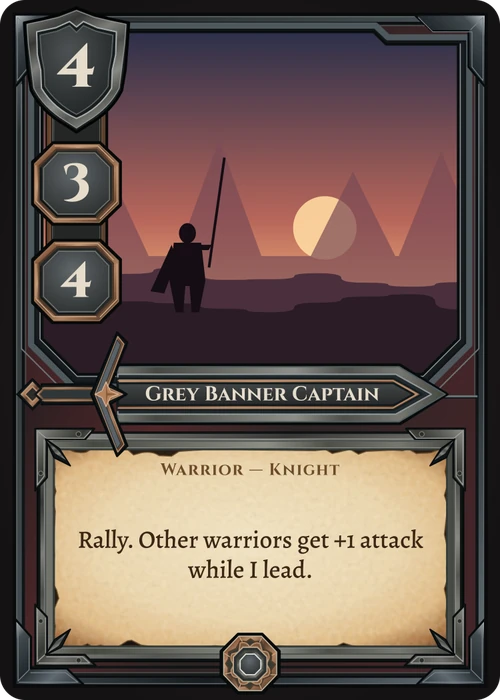
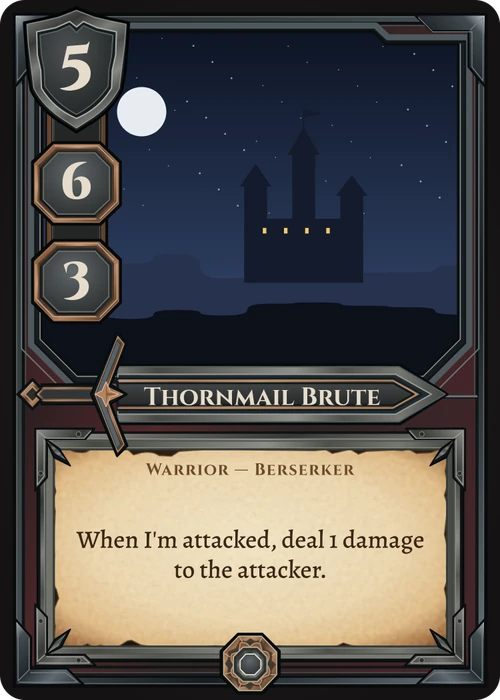
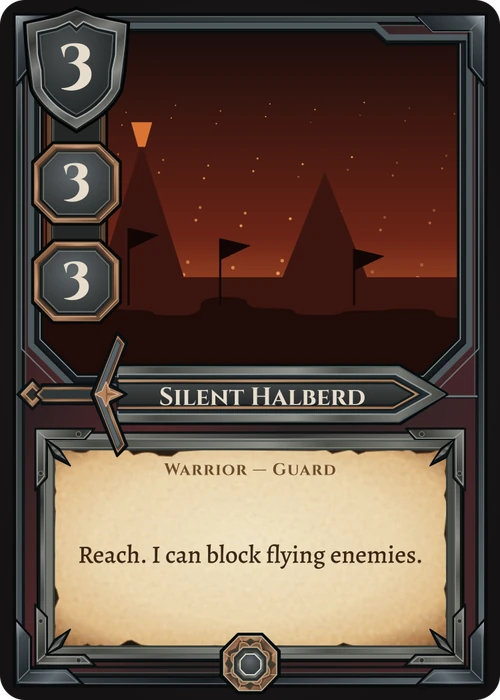
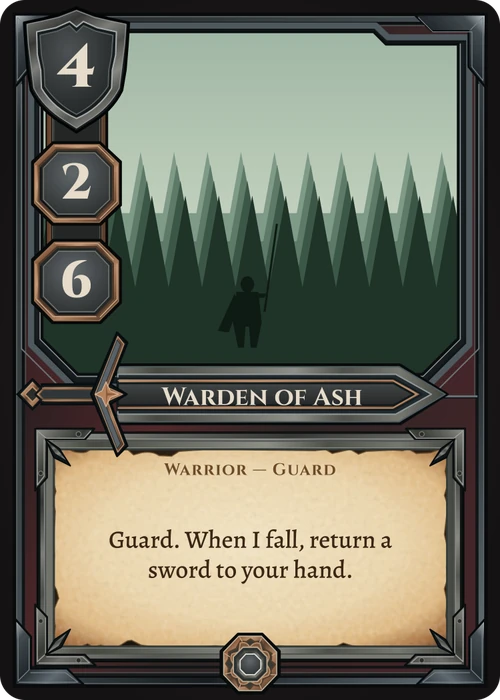
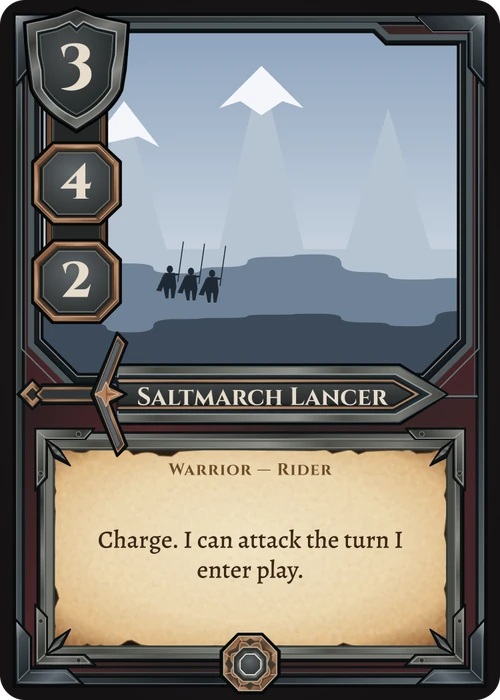
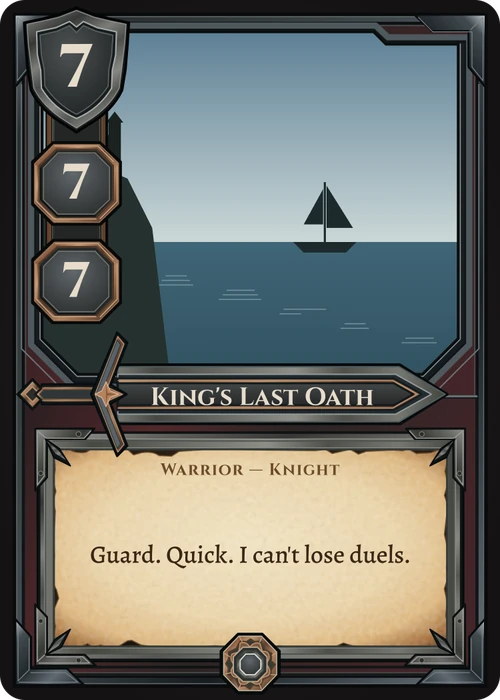
Bring your cards from any spreadsheet.
Keep your card list in Excel, Google Sheets or Numbers if you like. Save it as CSV and Import CSV brings the cards into the table; Export CSV takes them back out.
| Name | Cost |
| Oathsworn Sentinel | 4 |
| Ashblade Duelist | 2 |
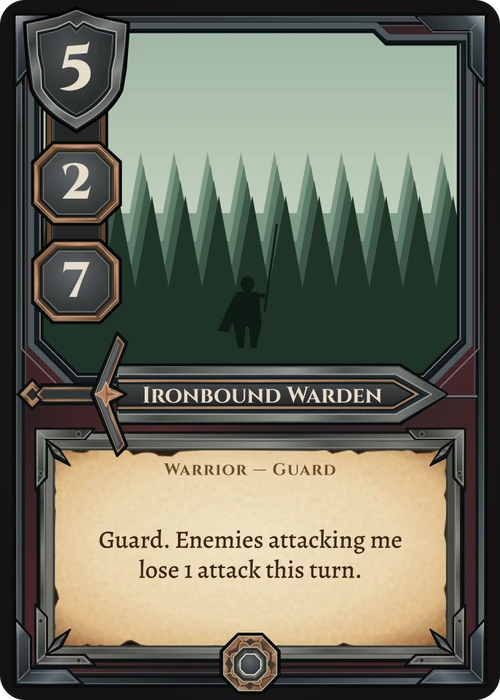
| Ironbound Warden | 5 |
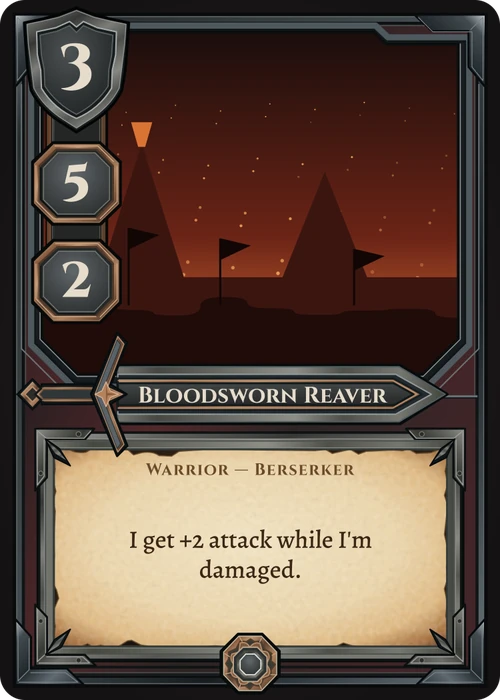
| Bloodsworn Reaver | 3 |
| Name | Cost |
Each column goes to the field of its name. Pictures and versions in the table stay.
Row by row, the CSV's cards fill the table's. New rows become new cards.
Export CSV saves the table in your Exports folder, ready for any spreadsheet.
One deck, every language.
Add the languages you sell in and translate the fields you choose. Each translation is a column in the table. Switch the view with the language pill, and export one language or a set for each.
Show When, Swap and the other card tools read the main language, so every translation behaves the same.
A card without a translation yet shows its main text.
Start from a finished frame.
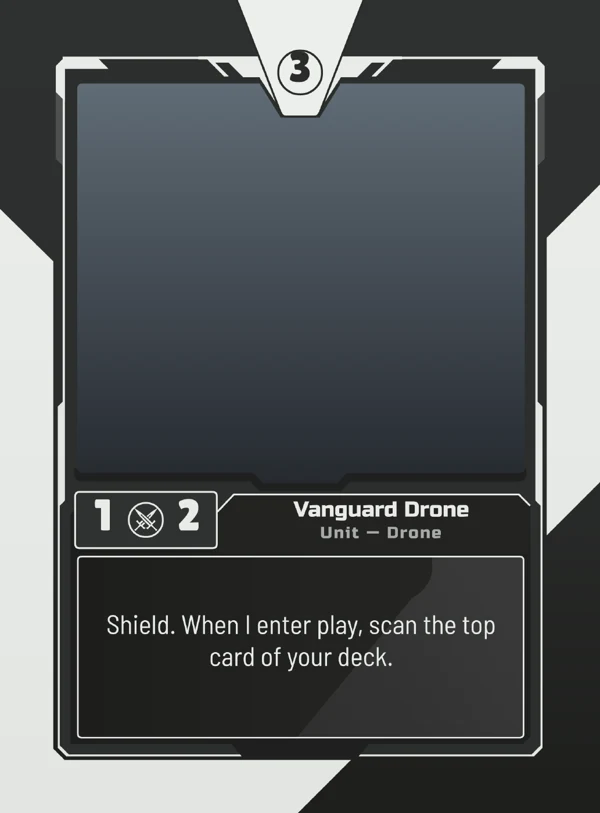
Every Dekkr template is a full deck: front and back, grouped layers, linked fields and sample cards. Change its colours, swap its art, or save your own deck as a template.
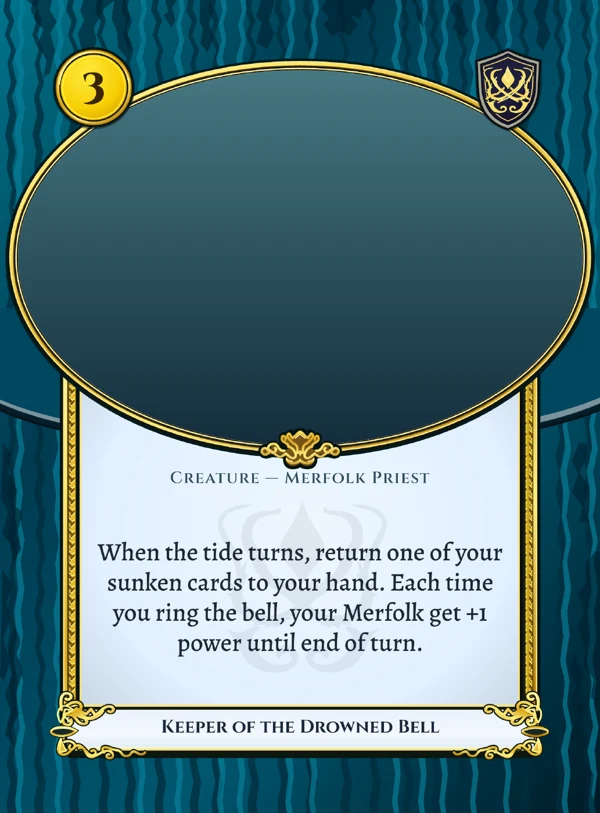
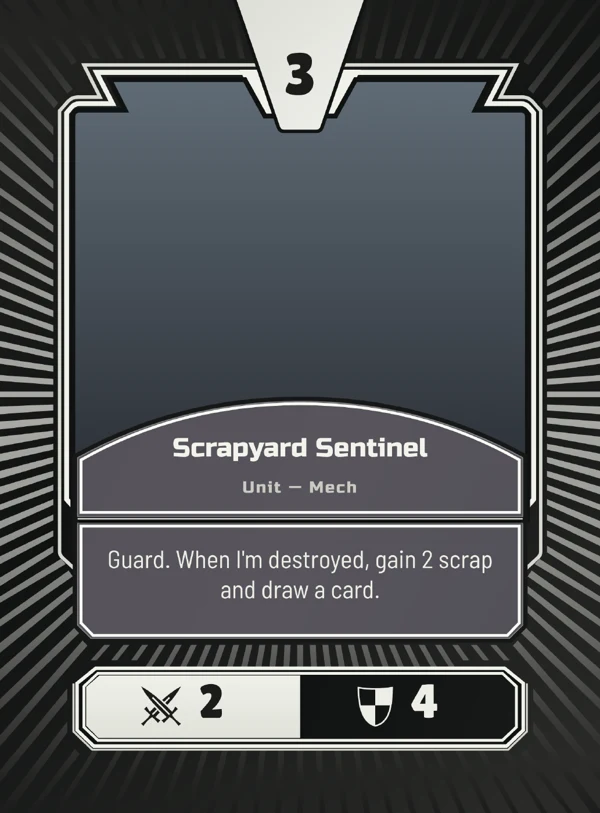
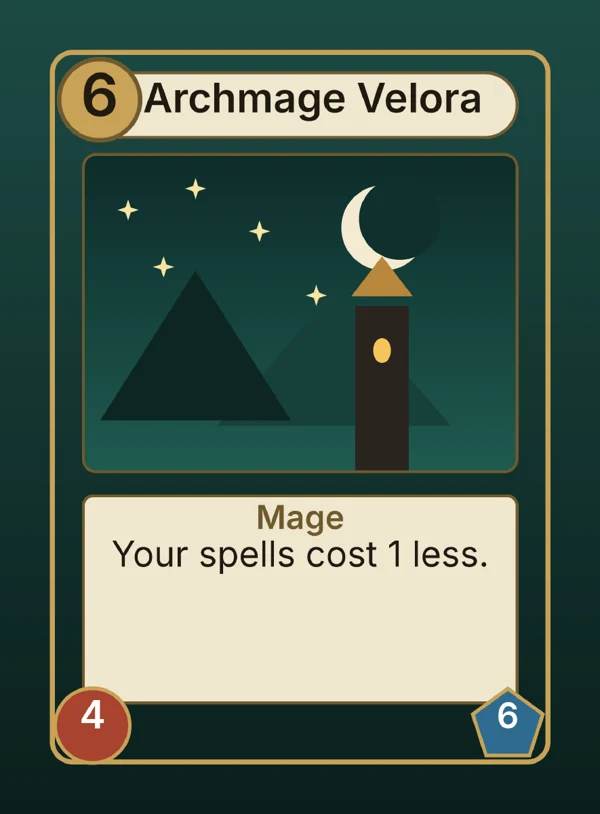
Type pirate, horror or space, or describe the mood, and the gallery finds it.
Backgrounds, frames, card backs, illustrations, emblems and icons, plus your own uploads.
Units and spells can each have their own front and back. A field picks the design.
Print-ready the first time.
Dekkr sets up every card for print before you draw a line: the bleed, the cut line and the safe zone are on the canvas from the start.
Art runs past the cut, so no white edge shows when the blade drifts.
Where the card is cut, with rounded corners for each size.
Text and stats stay inside, clear of the blade.
Every design is a 600 ppi master in RGB, turned into the print shop's colour on export.
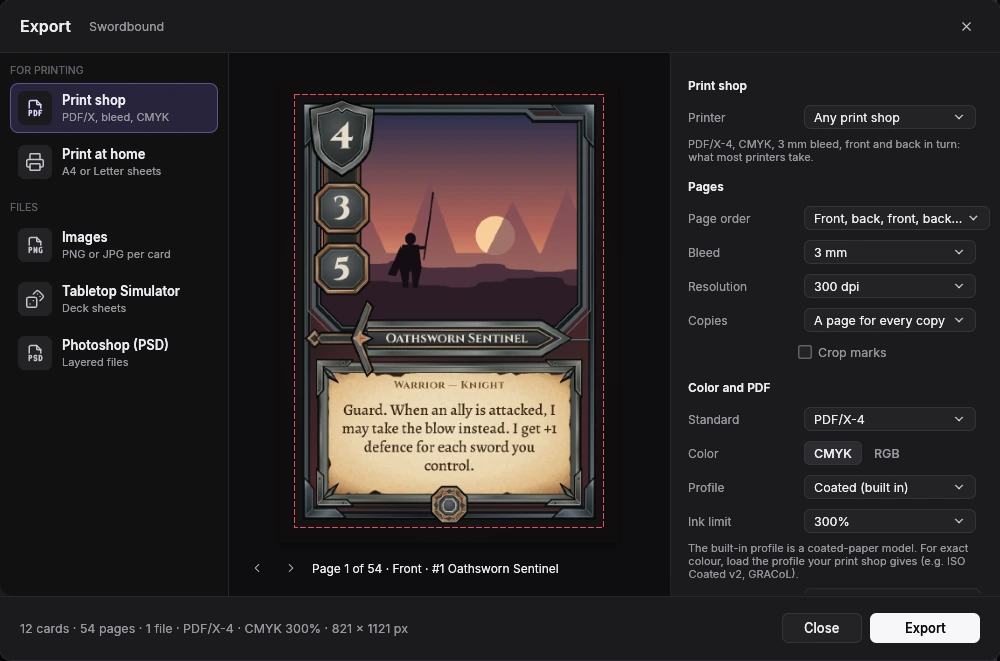
DriveThruCards, PrintNinja, Panda, LongPack, Ludo Fact, Cartamundi, MOO, Gelato and more, or your own settings.
Front and back in turn, all fronts then backs, one shared back, two files, or a file per face.
PDF/X-1a or PDF/X-4, CMYK with an ink limit from 240 to 320 %, the built-in coated profile or your printer's ICC.
None to 4 mm, 300 or 600 dpi, crop marks, and a page for every copy if your printer wants one.
77 card sizes, each with its own corners.
Pick one when you start. Change it any time.- Poker 2.5×3.5 in
- Poker 63×88 mm
- Japanese TCG 59×86
- Bridge 2.25×3.5 in
- US game 2.2×3.43 in
- Euro 59×91
- Skat 58.9×90.9
- Mint Tin 52×87
- Tarot 2.75×4.75 in
- Tarot 70×120
- Jumbo 3.5×5.5 in
- A7 74×105
- A6 105×148.5
- Index 3×5 in
- Giant 5×7 in
- Tile 6×6 in
- Mini 1.75×2.5 in
- Mini American 41×63
- Mini Euro 44×68
- Micro 1.25×1.75 in
- Hanafuda 32×54
- Square 2.5 in
- Square 70 mm
- Square 3.5 in
- Circle 3.5 in
- Hex 3.75×3.25 in
- Medium Hex 66×76
- Business Card US 3.5×2 in
- Business Card EU 85×55
- Business Card Japan 91×55
- MOO 3.30×2.16 in
- ID-1 (credit card)
One price. Yours to keep.
Every tool, every export and every template, for your Mac or PC. No subscription, no account.
Dekkr
for Mac and Windows
No subscription.
- The editor, the card table and every export
- Every Dekkr template, built into the app
- Every 1.x update
- For one computer, Mac or PC
- License key by email. No account needed
Secure checkout by PolarTaxes handled for youFind my license
Questions
What is Dekkr?
A card-game design studio for your Mac or PC. You design a card's front and back with a full layer editor, fill a table with your cards, and Dekkr draws every card from the design. Then you export print-ready files.
What does it cost?
$59.99, once. There is no subscription, no account and no free plan: you buy Dekkr, get a license key by email and keep it. Every 1.x update and every Dekkr template is included.
Does it run on Mac and Windows?
Yes. Dekkr needs macOS 14 or later or Windows 10 or 11. After you buy, you download it for either one, and the same key works on whichever you choose.
How many computers can I use it on?
One, a Mac or a PC. Moving to a new one? Free your key from the old computer in the customer portal (Find my license, at the foot of every page), then enter it on the new one. The portal also keeps your key and downloads.
Will my cards print correctly at a print shop?
Every design is a 600 ppi master with a 4 mm bleed and a 5 mm safe zone. The print shop export has presets for DriveThruCards, PrintNinja, Panda, LongPack, Ludo Fact, Cartamundi, MOO and others, writes PDF/X-1a or PDF/X-4 in CMYK, and adds crop marks when you want them.
Can I keep my card list in a spreadsheet?
Yes. Keep it in Excel, Google Sheets or Numbers, save it as CSV, and Import CSV brings the cards into the table, fields matched by name. Export CSV takes them back out.